
Test it before you build it.
Interactive Figma or coded prototypes — high enough fidelity to put in front of real users, a sales prospect, or a sceptical stakeholder, without the cost of a real build. Find out whether the idea lands while changing it still costs an afternoon, not a sprint.
The cheapest place to learn an idea is wrong is before you build it.
Every team has shipped something that looked obvious on a whiteboard and confused everyone the moment it was real. By then the cost is sunk — weeks of engineering spent on a flow nobody needed. A clickable prototype moves that moment of truth forward: you put the interaction in front of real people while it's still made of pixels and link logic, when the fix is an afternoon instead of a sprint. High enough fidelity to test honestly, low enough that you can throw it away. The point isn't the prototype — it's the answer it gives you before the expensive part begins.
Guessing is the expensive option.
Each of these is cheaper to answer with a prototype than with a build.
- 01
You need to test an idea before committing to building it
Something clickable in front of real users, days from now — not after the build.
- 02
Sales wants to demo a product that doesn't exist yet
A convincing happy path a prospect can walk through to gauge real demand.
- 03
Stakeholders argue with nothing to react to
A concrete thing to click, so the room decides instead of imagining.
- 04
You're not sure the flow makes sense
A real test with users that shows where they hesitate, before code locks it in.
- 05
An assumption is quietly driving the roadmap
A round of testing that confirms it — or saves you a build that would've missed.
Something to click, and an answer.
Not a pretty mockup — a prototype built to learn something specific from.

Interactive prototype
A clickable Figma or coded build — high enough fidelity to test for real.
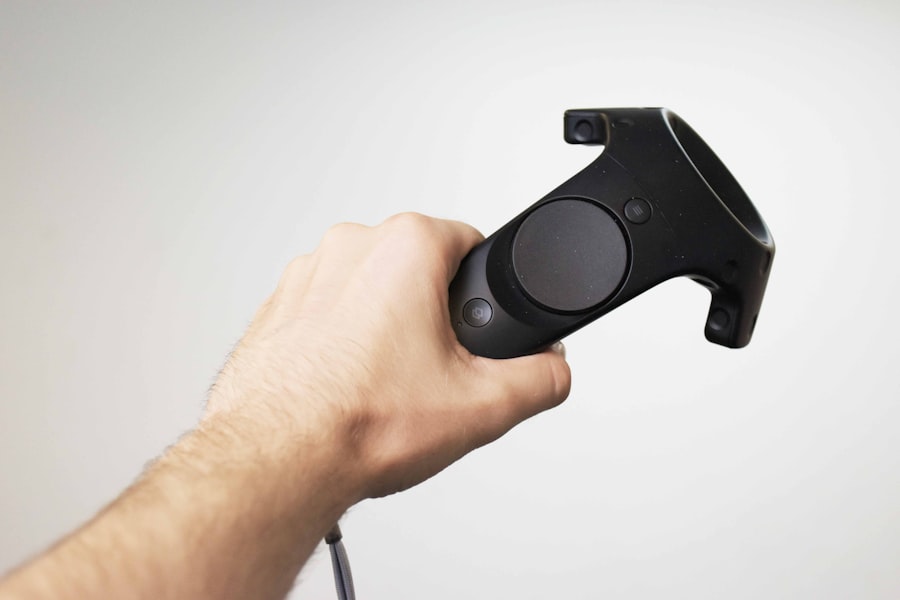
Test script
Tasks and questions for user research, so every session asks the same thing.
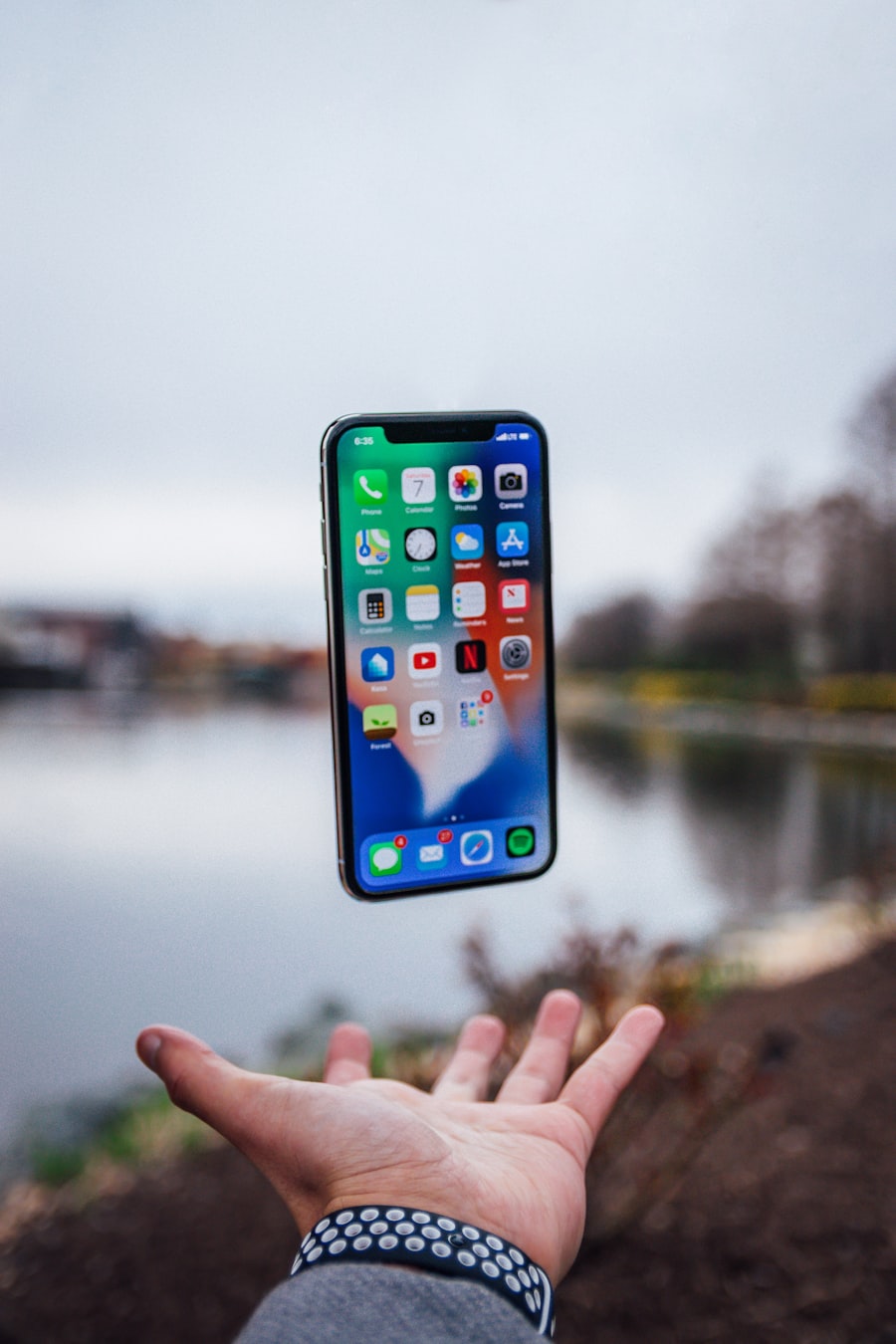
Recorded sessions
The moments that matter, captured — so the team sees the problem itself.
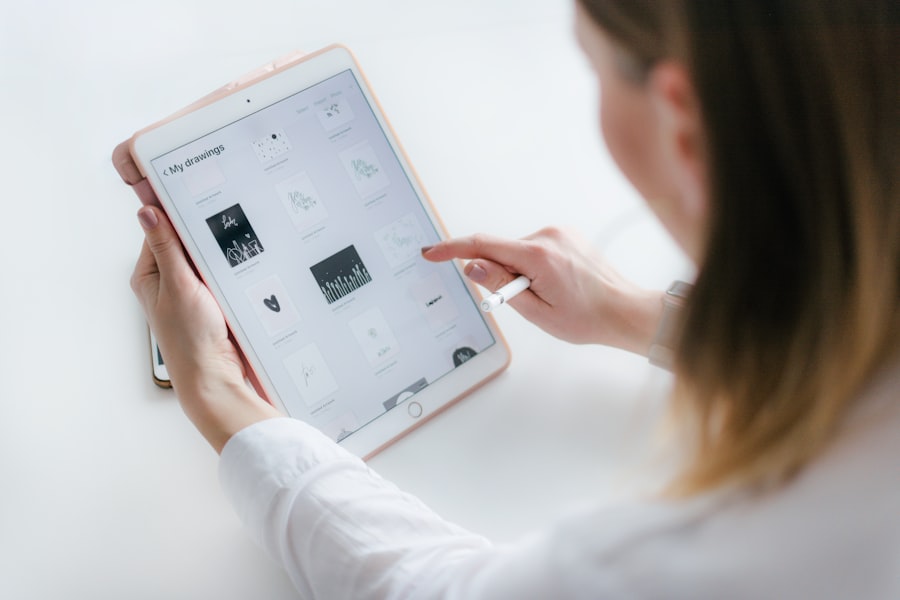
Findings & next steps
What to keep, change, or cut — written plainly, with a clear call.
From a hunch to a tested answer.
- 1Build
- 2Wire
- 3Test
- 4Learn
- 5Iterate
Each step earns the next: we build the screens, wire them into a flow that feels real, test it with the right people, learn where it works and where it doesn't, and iterate only where it pays off — sometimes the most valuable result is deciding not to build at all.
Just real enough to be honest.
Fidelity is a dial, and most teams turn it too far. We set it just high enough to make the test honest — grey boxes and real copy when we're checking a flow, pixel-perfect screens when we're testing trust or pitching a prospect — and no higher. Over-polishing a prototype quietly burns the time advantage that made prototyping worth doing in the first place.
- Fidelity matched to the question
- Real copy, not lorem ipsum
- Realistic data where it matters
- Polish only where the test will notice

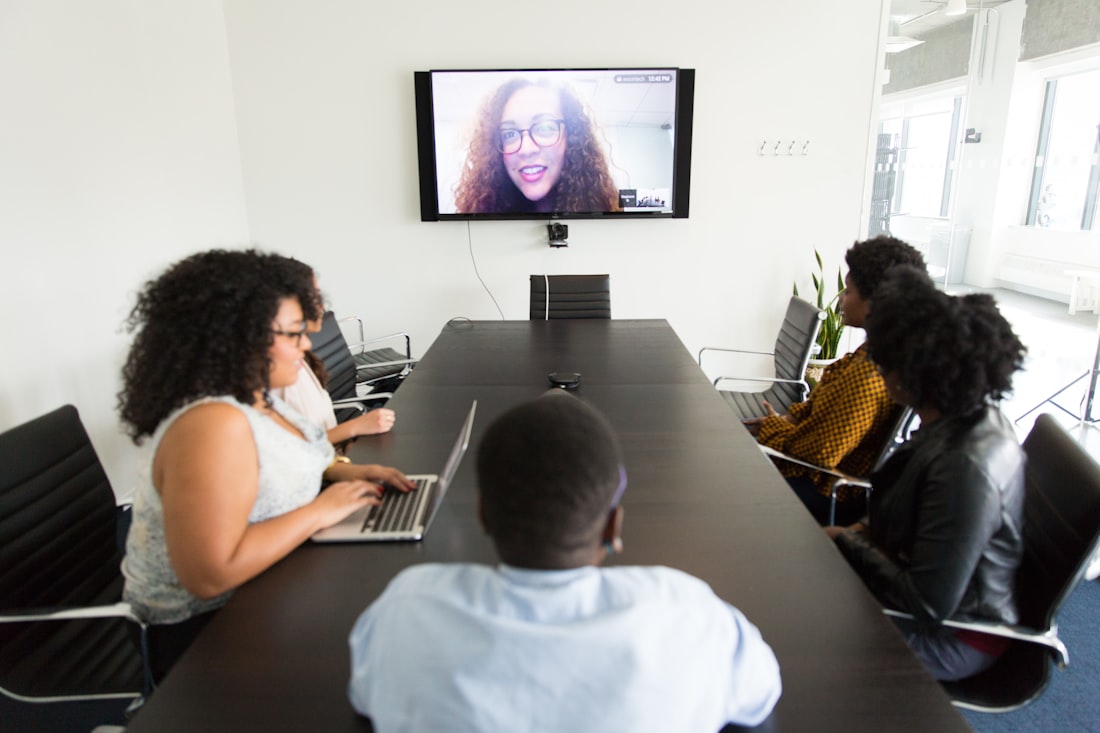
It has to behave, not just look.
A static mockup tells you nothing about whether a flow works. We wire the screens into real interactions — taps, transitions, states, and just enough logic that a person can move through it the way they would the finished product. When it responds like the real thing, people react like they would to the real thing, and that's where the honest feedback comes from.
- Connected flows, end to end
- Transitions and micro-states
- Empty, loading, and error states
- Enough logic to feel like the product
Put it in front of users.
We write a test script, recruit five to eight people who match your real users, and run the sessions — watching where they hesitate, what they expect that isn't there, and whether the core idea holds. You get findings written plainly and short recorded clips of the moments that matter, so the team sees the problem instead of taking our word for it.
- A test script for consistent sessions
- Participants matched to real users
- Sessions run and recorded
- Findings: keep, change, or cut
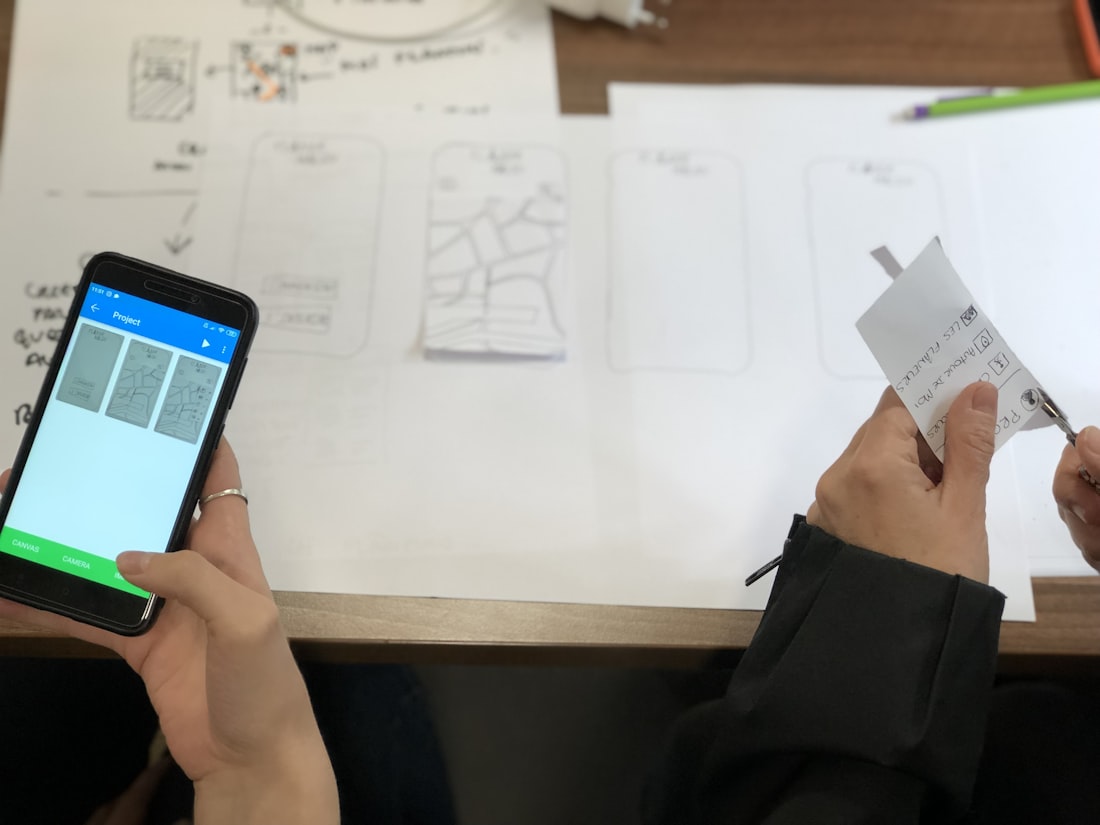
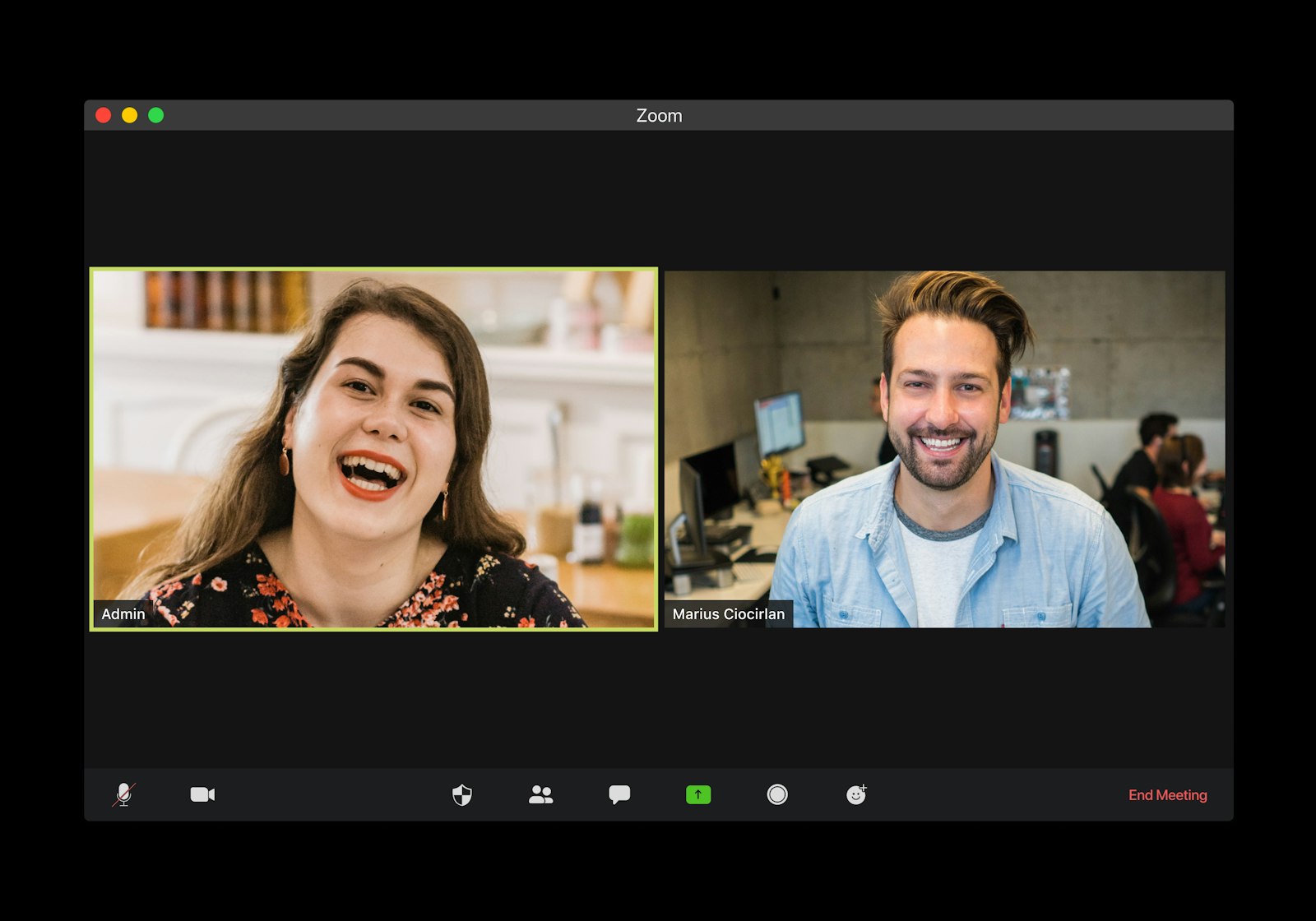
Built to learn, not to last.
Pin the question
We start with the decision you're trying to make — what you need to know before you'd commit to building.
Build the screens
Just the path the test needs, at the fidelity that question deserves — fast, and ready to throw away.
Wire the flow
Taps, transitions, and states, so a person can move through it the way they would the real product.
Test with users
A short script, the right participants, sessions recorded — watching where it works and where it breaks.
Hand back findings
What to keep, change, or cut, plus the clips that prove it — direction for whoever builds it for real.
When the idea needs proof, not a build.
You want to test before you build
An idea looks right on the whiteboard and you'd rather find out it's wrong now than after a sprint.
Sales needs a demo of something unbuilt
A prospect wants to see it, a design partner wants proof — and the product doesn't exist yet.
Stakeholders are stuck arguing
Everyone imagines it differently and nobody can decide, because there's nothing concrete to react to.
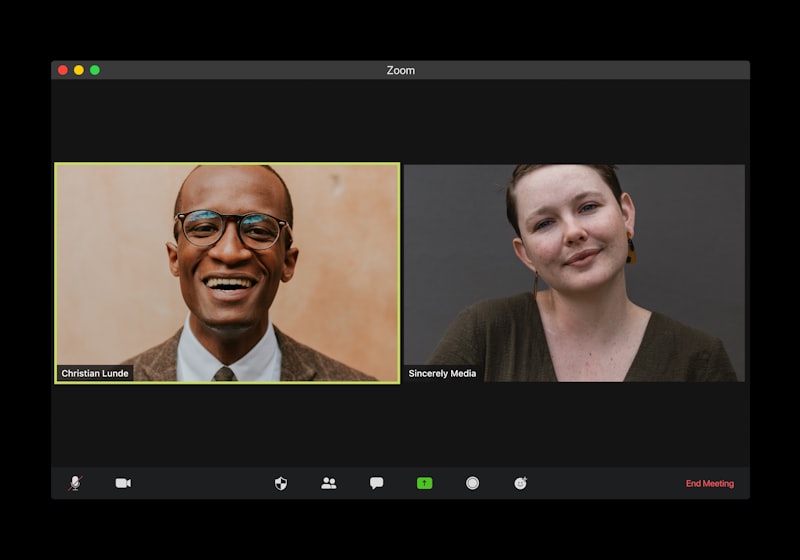
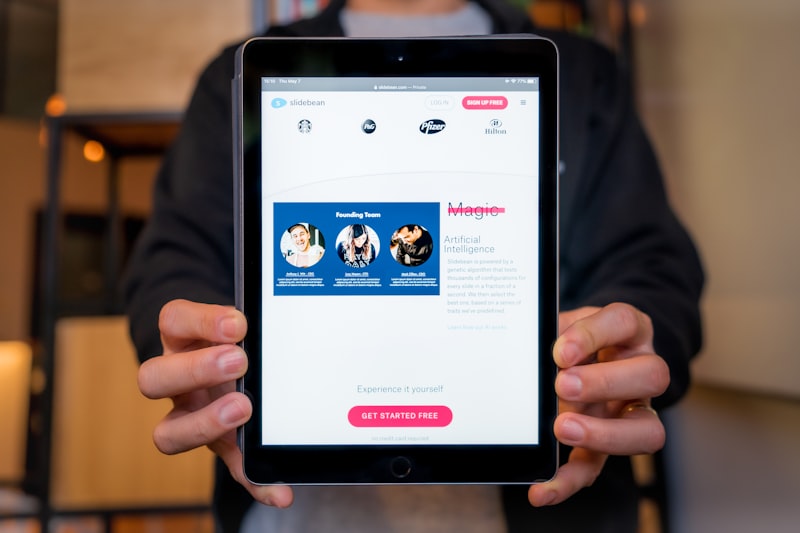
Tools chosen to answer, not impress.
The things teams ask first.
Find out before you build.
Tell us the idea you're unsure about and who needs convincing — users, a sales prospect, or the people in the room. We'll build a prototype real enough to test, run it with the right people, and hand you findings you can act on — before the expensive part begins.